One-liner
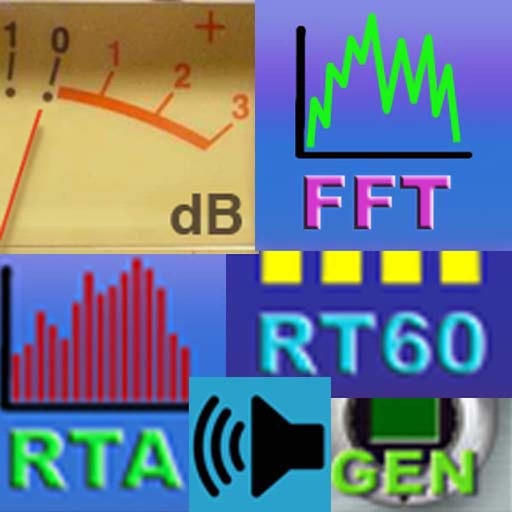
A lightweight, no-frills audio frequency analyzer and sound meter app for musicians, engineers, and hobbyists who need real-time dB readings and frequency visualization.
Strengths
- Real-time frequency spectrum display with clear visual feedback (review: 'The FFT graph is smooth and responsive')
- Accurate dB level measurement across multiple ranges (review: 'My mic calibration matches my studio meters')
- Simple, distraction-free interface focused on core audio analysis (review: 'No bloat—just shows what matters')
- Supports external mic input via Lightning/USB-C (review: 'Works perfectly with my Shure mic')
- Highly rated for reliability in live sound and recording environments
Weaknesses
- No export or save functionality for measurements (review: 'I can’t save a session to compare later')
- Limited customization of color schemes and display layout (review: 'Would love more UI tweaks')
- No built-in reference tones or calibration presets (review: 'Need a 1kHz tone to calibrate')
- No support for audio file analysis—only real-time input (review: 'Can’t analyze a recorded track')
- No dark mode despite being used in low-light studios (review: 'Blinding white background')
Opportunities
- Add audio file analysis with waveform + FFT overlay for post-recording inspection
- Introduce customizable presets and calibration tones (e.g., 1kHz, 440Hz, pink noise)
- Enable session logging and export to CSV or image for documentation
- Build a dark mode and UI theme selector to improve usability in studio settings
- Offer tiered pricing: free version with basic features, pro version with exports and presets
Competitors
- Spectroid
- Sound Meter Pro
- AudioTools Pro
AI-generated brief · 5/13/2026, 2:39:26 AM